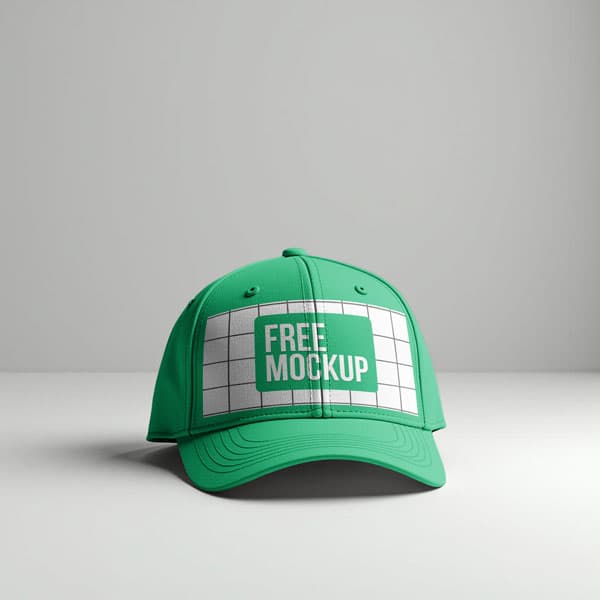
Free White Baseball Cap Mockup PSD
What's Inside This PSD File
- Classic Baseball Cap — Standard 6-Panel Format
- Professional PSD File — Fully Organized Layers
- Smart Object Enabled — Instant 1-Click Design Swap
- High Resolution — 300 DPI Print & Digital Quality
- Neutral White Base — Maximizes Design Contrast
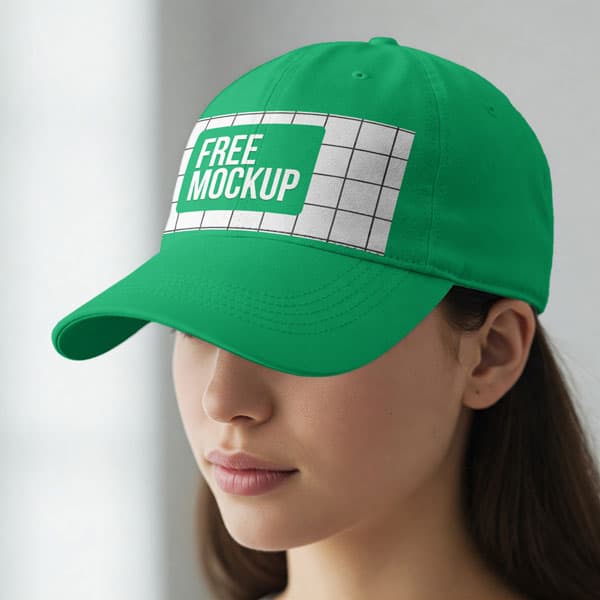
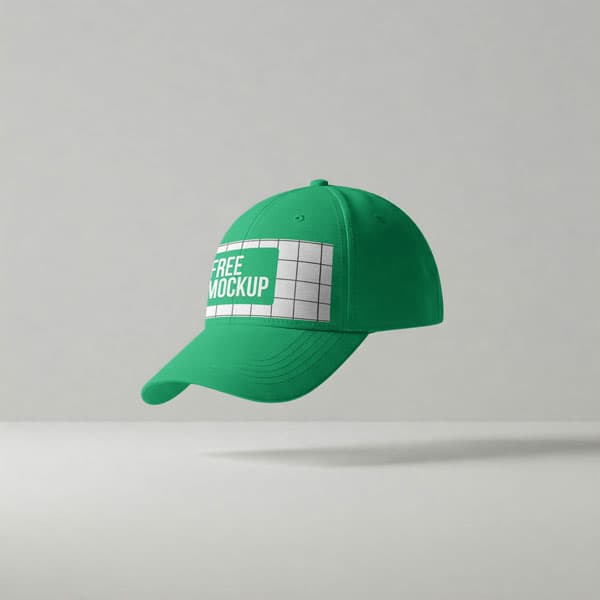
Achieve absolute clarity for your headwear designs. This free white baseball cap mockup provides a clean, professional canvas with realistic fabric textures—perfect for showcasing embroidered logos, team branding, and promotional merchandise.
The Ultimate Blank Canvas for Headwear
A professional headwear presentation requires more than just a flat logo—it needs texture, depth, and realistic perspective. This high-resolution PSD template provides a pristine white baseball cap that serves as a neutral, high-contrast base for your designs. Whether you are showcasing a complex 3D embroidery concept or a vibrant printed graphic, the precision-mapped Smart Object layer ensures your artwork wraps naturally around the curved panels and bill, delivering a photorealistic result that looks like a finished retail product.
How to Use This PSD
Designed for professional branding workflows: open the file in Adobe Photoshop, locate the Smart Object layer on the front panel, double-click to open, paste your artwork, and save. The mockup automatically applies realistic highlights, shadows, and cotton twill textures, making your logo look expertly integrated into the fabric in seconds.
Best Use Cases
Perfect for sports team merchandise, corporate promotional gear, streetwear brand lookbooks, custom embroidery portfolios, and e-commerce product listings.
How to Use This Cap Mockups
Follow these 4 simple steps to place your design on this mockup in Adobe Photoshop CS6+:
- 1Download the PSD file — Click the Download button above. Save it to your computer.
- 2Open in Adobe Photoshop — Go to File > Open and select the PSD file.
- 3Double-click the Smart Object layer — Look for “Your Design Here” or similar. Double-click its thumbnail.
- 4Paste your design and save — Place your artwork, then press Ctrl+S (Windows) or Cmd+S (Mac). Done!
Don't Have Photoshop? We'll Place Your Design For You — Starting at $5
No Photoshop? No problem. Send us your design and we'll place it into this mockup for you. You get a finished, ready-to-use image — delivered within 24–48 hours.
No Photoshop Needed
Just send us your design file (PNG, JPG, AI, or PDF) and we'll do the rest. You get a polished mockup image back.
Fast Delivery
Most orders are done within a few hours. Need it urgent? Let us know and we'll prioritize yours.
Bulk Orders Welcome
Need 10, 20, or 50 designs placed into the same mockup? We offer discounted rates for bulk orders.
Starting at $5 per design • Bulk pricing available • Delivery in 24–48 hours
Why Use This Cap Mockups?
Here is why designers and brands choose this mockup:
- Universal blank canvas — The bright white base allows you to preview how bold logos and intricate embroidery details will pop against a clean background.
- Save on sample manufacturing — Avoid the high cost and long wait times of ordering custom physical samples; get studio-quality product photos instantly.
- Accurate fabric depth — The PSD file realistically maps your artwork over the cotton twill texture, preserving the look of stitching and fabric grain for 100% realism.
- Perfect for team merchandise — The universally popular baseball cap silhouette is the standard choice for presenting sports team logos and high-end corporate giveaways.
- Professional-grade clarity — High-resolution 300 DPI rendering ensures that your fine typography and complex brand badges remain razor-sharp on any display.
Frequently Asked Questions
Is this white baseball cap mockup free?
Yes! This template is 100% free for use in both your personal design projects and professional commercial headwear stores.
What software do I need to edit this?
Because this file uses professional smart object mapping for realistic fabric texture, you will need Adobe Photoshop CS6 or any newer Creative Cloud version.
How do I insert my own logo onto the cap?
Open the PSD in Photoshop, double-click the layer marked 'Smart Object,' paste your artwork into the new tab, save, and close.
Can you help with professional embroidery placement?
Yes. If you need help with placement or don't have Photoshop access, I offer a professional mockup insertion service starting at $5. Contact me on WhatsApp!
Is this mockup suitable for e-commerce listings?
Absolutely. It is an essential tool for creating high-converting, professional product photography for Shopify, Etsy, and clothing boutiques.
Need a Custom Mockup for Your Own Product?
Send us your product photo and we will convert it into a fully editable PSD mockup with smart object layers — starting at just $15. Delivered in 24–48 hours with unlimited revisions.
Get a Custom Mockup — From $15