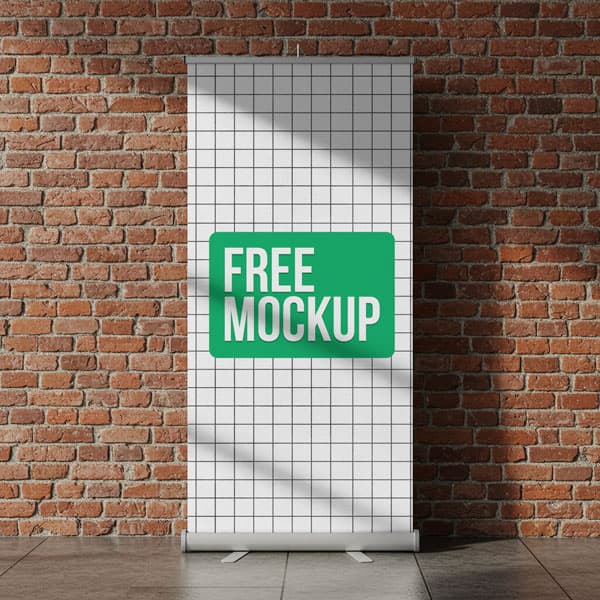
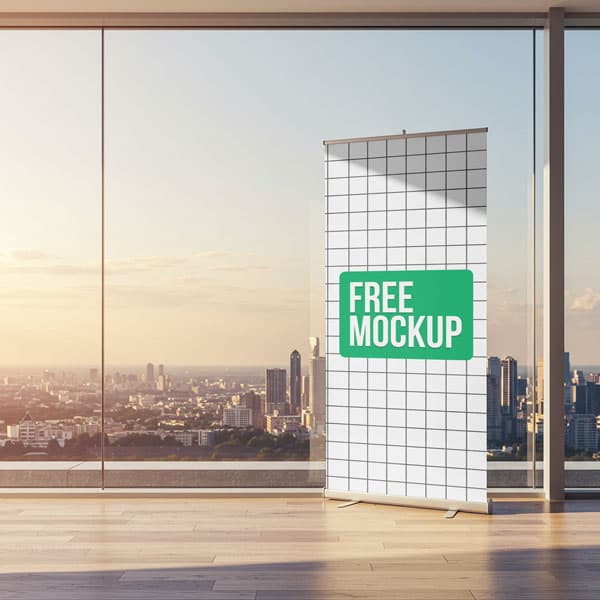
Free Office Roll-up Banner Mockup PSD
What's Inside This PSD File
- Office Workspace Setting — Authentic Corporate Context
- Professional PSD File — Fully Organized Layers
- Smart Object Enabled — Instant 1-Click Design Swap
- High Resolution — 300 DPI Print & Digital Quality
- Vertical Ad Space — Premium Stand Presentation
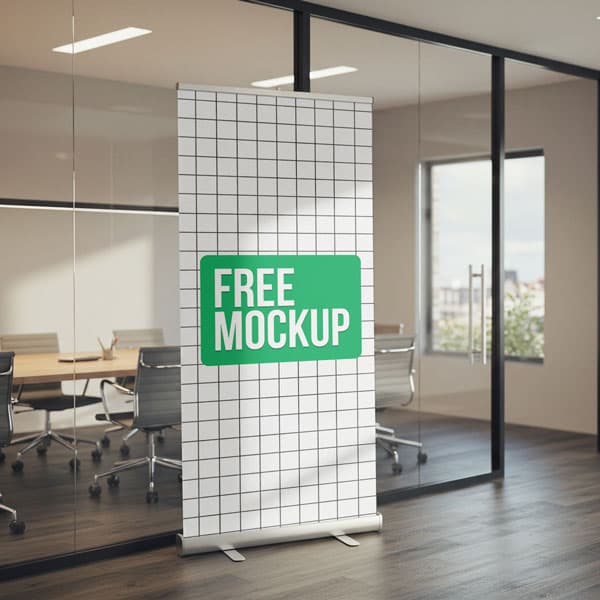
Visualize your branding in a real-world office. This free roll-up banner mockup features a professional display in a modern workspace—perfect for corporate communications, event promotions, and internal branding initiatives.
Bring Your Branding into the Workspace
Visualizing your message in the environment where it will be seen is key to effective communication. This high-resolution PSD template is designed for HR departments, internal marketing teams, and event planners who need to see their branding in an authentic corporate setting. The precision-mapped Smart Object layer lets you instantly transform your flat design into a photorealistic display that blends perfectly with the professional office lighting and perspective.
How to Use This PSD
Designed for efficiency: open the template in Adobe Photoshop, locate the Smart Object layer, double-click to open, paste your vertical banner graphic into the new canvas, and save. The mockup automatically applies realistic office lighting and perspective, ensuring a flawless, high-end result for your client pitches and internal presentations.
Best Use Cases
Perfect for corporate office branding, internal event promotions, HR and employee messaging, trade show and exhibition displays, and product launch announcements.
How to Use This Roll-Up Banners
Follow these 4 simple steps to place your design on this mockup in Adobe Photoshop CS6+:
- 1Download the PSD file — Click the Download button above. Save it to your computer.
- 2Open in Adobe Photoshop — Go to File > Open and select the PSD file.
- 3Double-click the Smart Object layer — Look for “Your Design Here” or similar. Double-click its thumbnail.
- 4Paste your design and save — Place your artwork, then press Ctrl+S (Windows) or Cmd+S (Mac). Done!
Don't Have Photoshop? We'll Place Your Design For You — Starting at $5
No Photoshop? No problem. Send us your design and we'll place it into this mockup for you. You get a finished, ready-to-use image — delivered within 24–48 hours.
No Photoshop Needed
Just send us your design file (PNG, JPG, AI, or PDF) and we'll do the rest. You get a polished mockup image back.
Fast Delivery
Most orders are done within a few hours. Need it urgent? Let us know and we'll prioritize yours.
Bulk Orders Welcome
Need 10, 20, or 50 designs placed into the same mockup? We offer discounted rates for bulk orders.
Starting at $5 per design • Bulk pricing available • Delivery in 24–48 hours
Why Use This Roll-Up Banners?
Here is why designers and brands choose this mockup:
- Authentic workspace visualization — The productive office environment anchors your indoor advertising to a relatable business setting, increasing its perceived relevance.
- Streamline internal communications — Test how your HR promotions or employee event messaging will look and feel inside the actual workplace before you go to print.
- Save on professional styling — Skip the logistics of hauling physical stands to a rented office; get a high-end commercial result right from your desktop.
- Accurate environmental mapping — The smart object aligns your artwork with the subtle perspective and ambient light of the room for a perfectly integrated look.
- Professional-grade clarity — High-resolution output ensures your corporate logos and detailed typography remain crisp and professional for any stakeholder presentation.
Frequently Asked Questions
Is this office roll-up banner mockup free?
Yes! This template is 100% free for use in your personal design portfolios and professional commercial corporate pitches.
What software do I need to edit this?
Because this file uses professional smart object mapping, you will need Adobe Photoshop CS6 or any recent Creative Cloud version.
How do I insert my own graphic design?
Open the PSD, double-click the layer marked 'Smart Object,' paste your vertical artwork into the new window, and save.
Can you help with professional graphic placement?
Yes. If you need help with placement or don't have Photoshop access, I offer a professional mockup insertion service starting at $5. Contact me on WhatsApp!
Is this mockup ideal for internal corporate branding?
Absolutely. It’s an essential tool for demonstrating internal announcements, HR initiatives, or event promotions in a way that feels integrated and professional.
Need a Custom Mockup for Your Own Product?
Send us your product photo and we will convert it into a fully editable PSD mockup with smart object layers — starting at just $15. Delivered in 24–48 hours with unlimited revisions.
Get a Custom Mockup — From $15