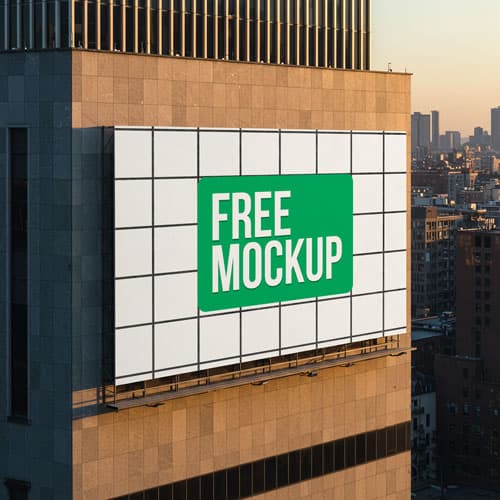
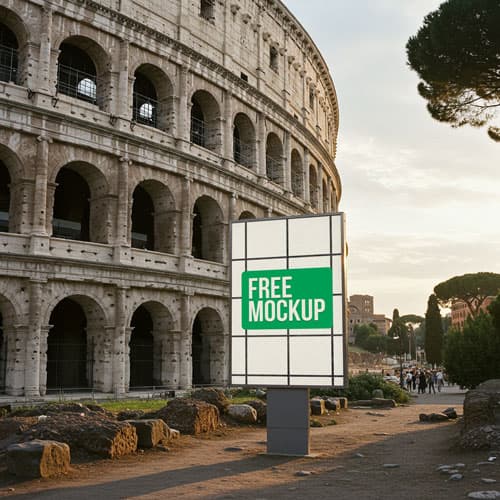
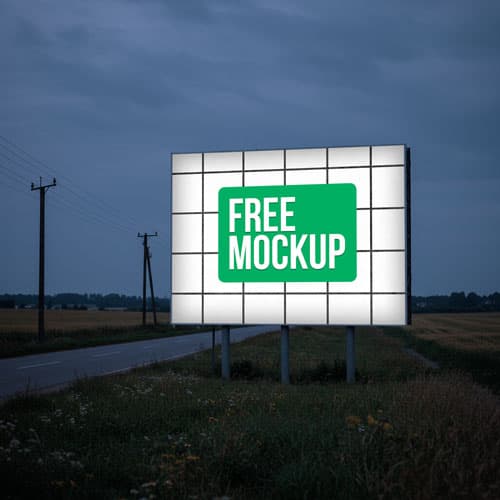
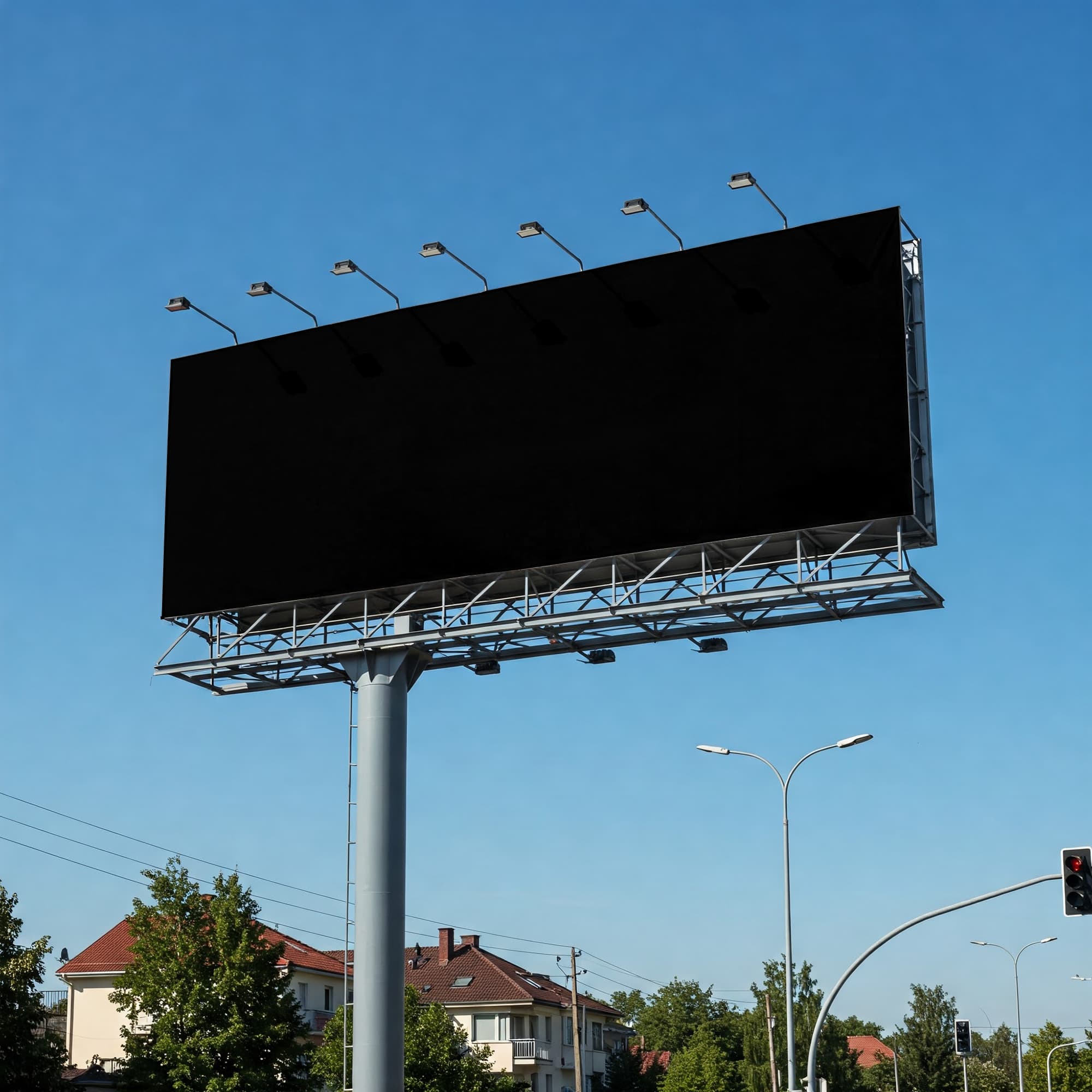
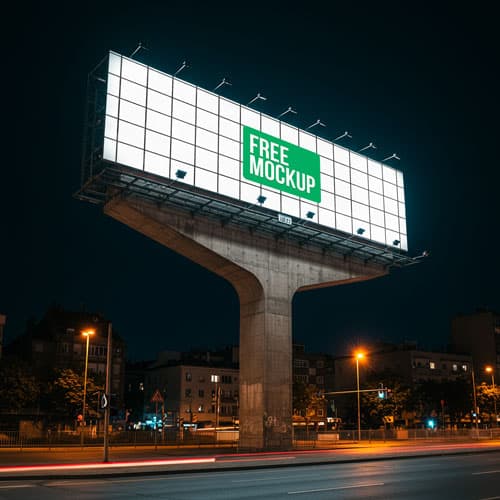
Free Night Highway Billboard Mockup PSD
What's Inside This PSD File
- Nighttime Setting — Dramatic & Atmospheric Backdrop
- Professional PSD File — Fully Organized Layers
- Smart Object Enabled — Instant 1-Click Design Swap
- High Resolution — 300 DPI Print & Digital Quality
- Highway Location — Authentic Roadside Scale
Command attention in the dark. This free highway billboard mockup features a high-impact, illuminated outdoor display set against a dramatic night sky—perfect for showcasing bold campaigns that demand visibility after sunset.
High-Impact Nocturnal Branding
In the world of outdoor advertising, visibility is currency. This high-resolution PSD template places your campaign on a massive, backlit highway billboard, creating a dramatic, high-contrast presentation that stands out against the dark night sky. Designed to demonstrate how your typography, brand colors, and imagery perform when illuminated, this mockup is an essential tool for agencies and designers aiming for maximum visual impact.
How to Use This PSD
Experience seamless design integration: open the file in Adobe Photoshop, locate the Smart Object layer, double-click to open, paste your grand-scale advertisement, and save. The mockup automatically applies realistic lens flare, glow intensity, and perspective warping, ensuring your design looks like it’s legitimately lighting up the highway.
Best Use Cases
Perfect for high-impact advertising campaigns, event sponsorship pitches, product launches, nocturnal brand storytelling, and large-scale outdoor advertising portfolios.
How to Use This Billboard Mockup
Follow these 4 simple steps to place your design on this mockup in Adobe Photoshop CS6+:
- 1Download the PSD file — Click the Download button above. Save it to your computer.
- 2Open in Adobe Photoshop — Go to File > Open and select the PSD file.
- 3Double-click the Smart Object layer — Look for “Your Design Here” or similar. Double-click its thumbnail.
- 4Paste your design and save — Place your artwork, then press Ctrl+S (Windows) or Cmd+S (Mac). Done!
Don't Have Photoshop? We'll Place Your Design For You — Starting at $5
No Photoshop? No problem. Send us your design and we'll place it into this mockup for you. You get a finished, ready-to-use image — delivered within 24–48 hours.
No Photoshop Needed
Just send us your design file (PNG, JPG, AI, or PDF) and we'll do the rest. You get a polished mockup image back.
Fast Delivery
Most orders are done within a few hours. Need it urgent? Let us know and we'll prioritize yours.
Bulk Orders Welcome
Need 10, 20, or 50 designs placed into the same mockup? We offer discounted rates for bulk orders.
Starting at $5 per design • Bulk pricing available • Delivery in 24–48 hours
Why Use This Billboard Mockup?
Here is why designers and brands choose this mockup:
- High-contrast visual impact — The dark night sky provides the perfect contrast to make your illuminated advertising design pop, ensuring it commands the viewer's full attention.
- Professional nocturnal testing — Validate exactly how your typography and brand colors perform when backlit on a real roadside sign at night.
- Save on nighttime production — Avoid the difficult and expensive task of shooting your own nocturnal photography and use this premium, ready-to-render template.
- Perfect perspective wrapping — The smart object layer automatically aligns your flat artwork to the precise angle and glowing structure of the billboard.
- Professional-grade clarity — High-resolution output ensures your brand message remains crisp and legible against the dark, moody sky.
Frequently Asked Questions
Is this night highway billboard mockup free?
Yes! This template is 100% free for use in both your personal design projects and professional commercial marketing pitches.
What software do I need to edit this?
Because this file uses professional smart object mapping, you will need Adobe Photoshop CS6 or any recent Creative Cloud version.
How do I insert my own billboard graphic?
Open the PSD in Photoshop, double-click the layer marked 'Smart Object,' paste your artwork in the new canvas tab, save, and close.
Can you help with professional design placement?
Yes. If you need a professional touch or don't have Photoshop access, I offer a professional mockup insertion service starting at $5. Contact me on WhatsApp!
Is this mockup suitable for large-scale ad campaigns?
Absolutely. It’s the perfect choice for agencies that need to demonstrate the power and visibility of their clients' branding to stakeholders.
Need a Custom Mockup for Your Own Product?
Send us your product photo and we will convert it into a fully editable PSD mockup with smart object layers — starting at just $15. Delivered in 24–48 hours with unlimited revisions.
Get a Custom Mockup — From $15