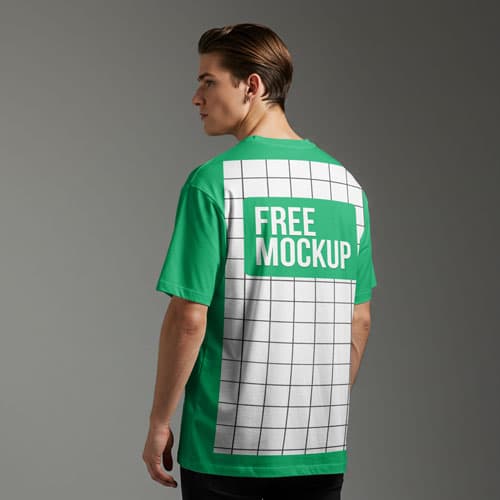
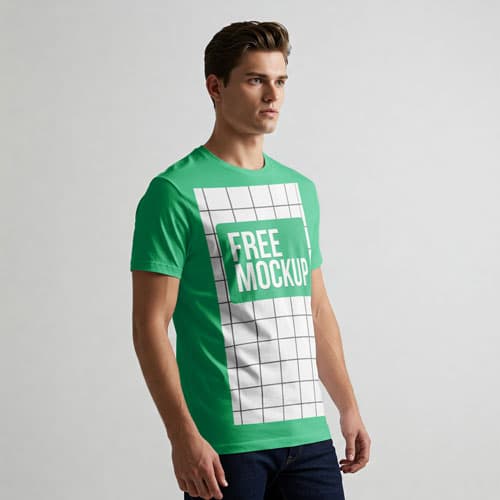
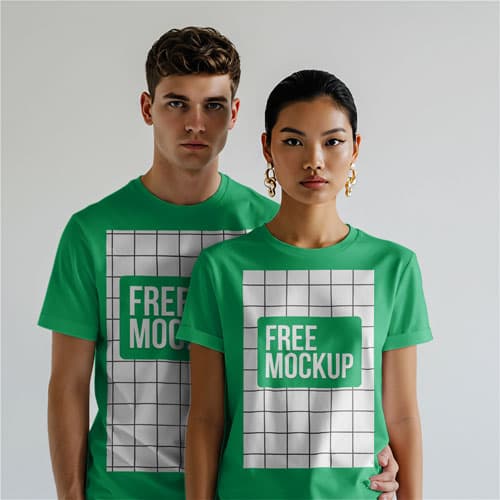
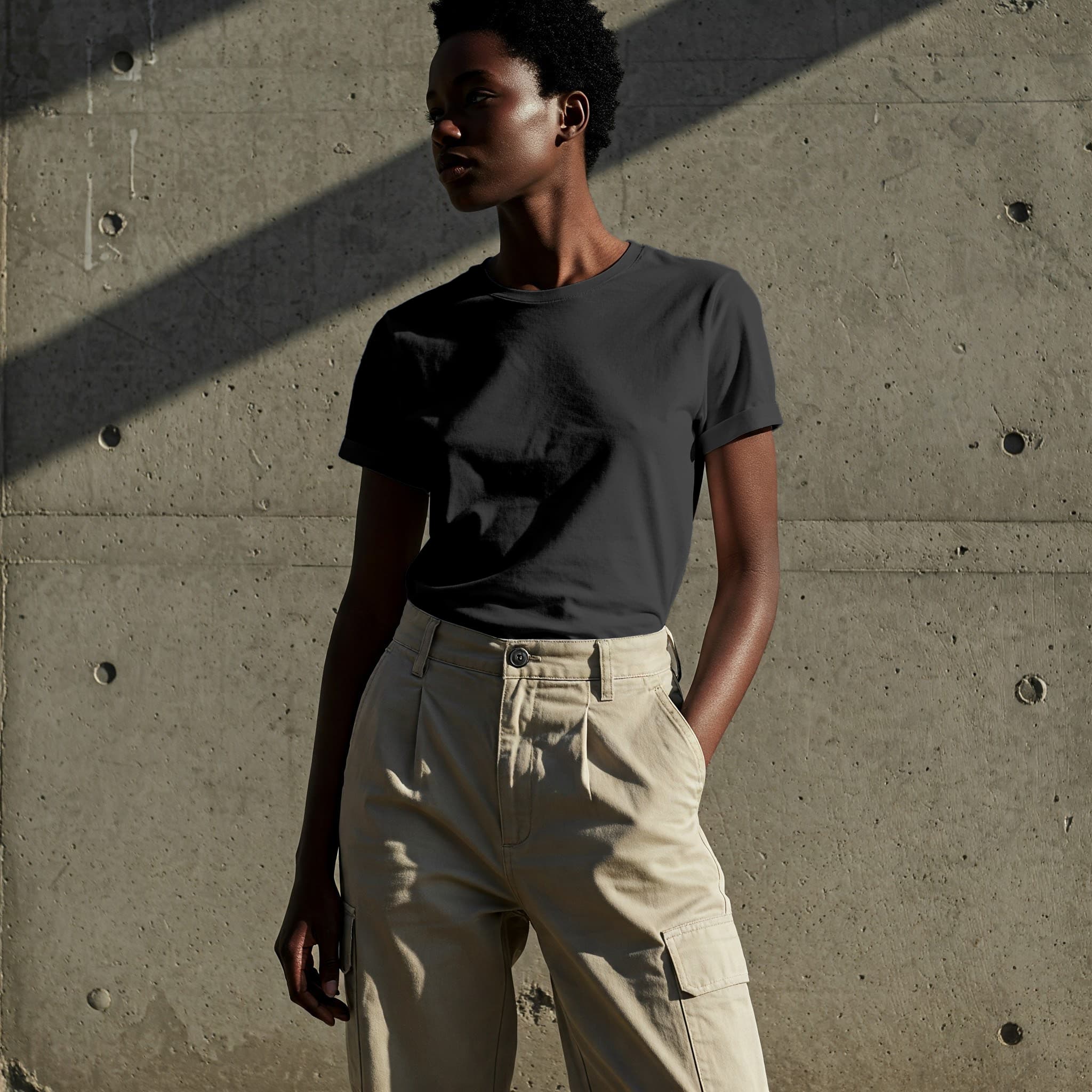
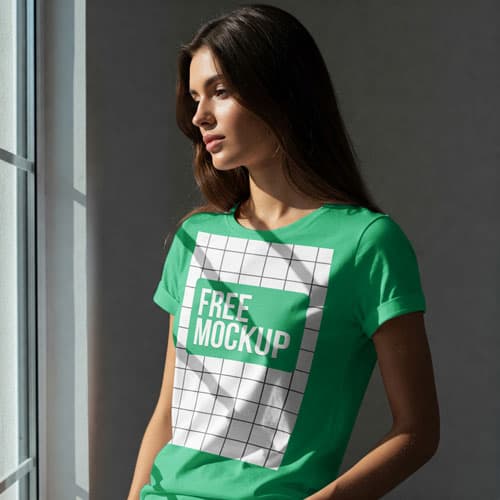
Natural Light T-Shirt Free Mockup PSD — Bright Aesthetic
What's Inside This PSD File
- Natural Lighting — Bright, Sunny & Organic Vibe
- Professional PSD File — Fully Organized Layers
- Smart Object Enabled — Instant 1-Click Design Swap
- High Resolution — 300 DPI Print & Digital Quality
- Realistic Fabric — Authentic Folds & Textures
Bring your designs to life with sun-drenched realism. This free t-shirt mockup features beautiful, soft-focus natural lighting and realistic fabric texture—perfect for organic brands, summer collections, and minimalist apparel design.
Radiate Authenticity with Your Branding
Lighting defines the mood of your entire collection. This high-resolution PSD template leverages soft, natural sunlight and intricate shadow play to give your apparel designs an organic, 'lived-in' look. Whether you're showcasing eco-friendly cotton basics or high-end minimalist graphics, this mockup ensures your designs look authentic and professional, helping you build a deeper connection with your audience.
How to Use This PSD
Workflow efficiency at its best. Open the file in Adobe Photoshop, locate the Smart Object layer, double-click to open, paste your custom typography, logo, or illustration into the canvas, and save. The mockup automatically applies realistic fabric displacement and lighting effects, making your graphic appear printed directly into the fibers of the shirt.
Best Use Cases
Perfect for eco-friendly and organic fashion labels, summer apparel drops, minimalist streetwear portfolios, social media brand campaigns, and e-commerce store product imagery.
How to Use This T-Shirt Mockup
Follow these 4 simple steps to place your design on this mockup in Adobe Photoshop CS6+:
- 1Download the PSD file — Click the Download button above. Save it to your computer.
- 2Open in Adobe Photoshop — Go to File > Open and select the PSD file.
- 3Double-click the Smart Object layer — Look for “Your Design Here” or similar. Double-click its thumbnail.
- 4Paste your design and save — Place your artwork, then press Ctrl+S (Windows) or Cmd+S (Mac). Done!
Don't Have Photoshop? We'll Place Your Design For You — Starting at $5
No Photoshop? No problem. Send us your design and we'll place it into this mockup for you. You get a finished, ready-to-use image — delivered within 24–48 hours.
No Photoshop Needed
Just send us your design file (PNG, JPG, AI, or PDF) and we'll do the rest. You get a polished mockup image back.
Fast Delivery
Most orders are done within a few hours. Need it urgent? Let us know and we'll prioritize yours.
Bulk Orders Welcome
Need 10, 20, or 50 designs placed into the same mockup? We offer discounted rates for bulk orders.
Starting at $5 per design • Bulk pricing available • Delivery in 24–48 hours
Why Use This T-Shirt Mockup?
Here is why designers and brands choose this mockup:
- Organic visual appeal — The bright, natural sunlight instantly communicates a fresh, clean, and sustainable brand identity that resonates with conscious buyers.
- Seasonal versatility — This mockup provides gorgeous, sunny imagery that is perfect for launching your spring and summer collections.
- Accurate fabric displacement — The smart object securely handles all the necessary fabric distortion, matching your graphic to the hoodie's volume and creases.
- Elevates minimalist fashion — The clean, bright environment ensures your design remains the star, perfect for brands with a focus on simplicity.
- Professional-grade clarity — High-resolution output ensures your logo badges and bold typography remain perfectly crisp and legible.
Frequently Asked Questions
Is this natural light t-shirt mockup free?
Yes! This template is 100% free for use in both your personal design projects and professional commercial apparel stores.
What software is required to edit this?
Because this file uses professional smart object mapping for realistic fabric warping, you will need Adobe Photoshop CS6 or any recent Creative Cloud version.
How do I add my custom print design?
Open the PSD, find the 'Smart Object' layer, double-click to open, paste your artwork in the new canvas, save, and close.
Can you help with professional graphic placement?
Yes. If you need help with placement or don't have Photoshop access, I offer a professional mockup insertion service starting at $5. Contact me on WhatsApp!
Is this mockup ideal for eco-friendly clothing brands?
Absolutely. The natural, light-filled aesthetic is the go-to look for organic fashion lines that emphasize sustainability and transparency.
Need a Custom Mockup for Your Own Product?
Send us your product photo and we will convert it into a fully editable PSD mockup with smart object layers — starting at just $15. Delivered in 24–48 hours with unlimited revisions.
Get a Custom Mockup — From $15